
Zotero magic
A practical COSSEE post on using Zotero, Dropbox, and Attanger to keep a large literature library organised.
Here’s how you usually use your reference manager. You begin with good intentions. The database feels clean. You save papers directly from journals, PDFs attach themselves automatically, and citations appear in Word or LaTeX like magic. For a while, everything works. Then the volume grows. A few hundred papers become a few thousand. Some PDFs are called “fulltext.pdf”. Others are cryptic publisher strings. Metadata varies depending on the source of the item. You accidentally save the same paper twice — once from the journal site, once from Google Scholar, once as a preprint. Some books sit in Zotero’s hidden storage, others in separate folders because you wanted to keep chapters together. You annotate on one device and later realise there’s another version of the same PDF elsewhere.
Nothing breaks dramatically. It just slowly degrades.
Searching still works, but feels less reliable. Browsing becomes frustrating. You start vaguely remembering papers you can’t quite locate anymore. The system accumulates content, but it’s increasingly harder to browse. In my case, the progression looked a bit like that – until I discovered Zotero. The software had its ups and downs, but after some major redesigns and updates, it is now probably the best tool I have ever used to manage my article library.
Rethinking the process did not mean just replacing a manager with Zotero, but building a pipeline around it that would enforce structure automatically. Here’s how Zotero made my life – and research – more enjoyable.
Centralising storage
Dropbox/Zotero_Library/
- all PDFs are human-accessible;
- everything is backed up automatically;
- synchronisation across devices is instant;
- I’m not locked into Zotero’s hidden storage.
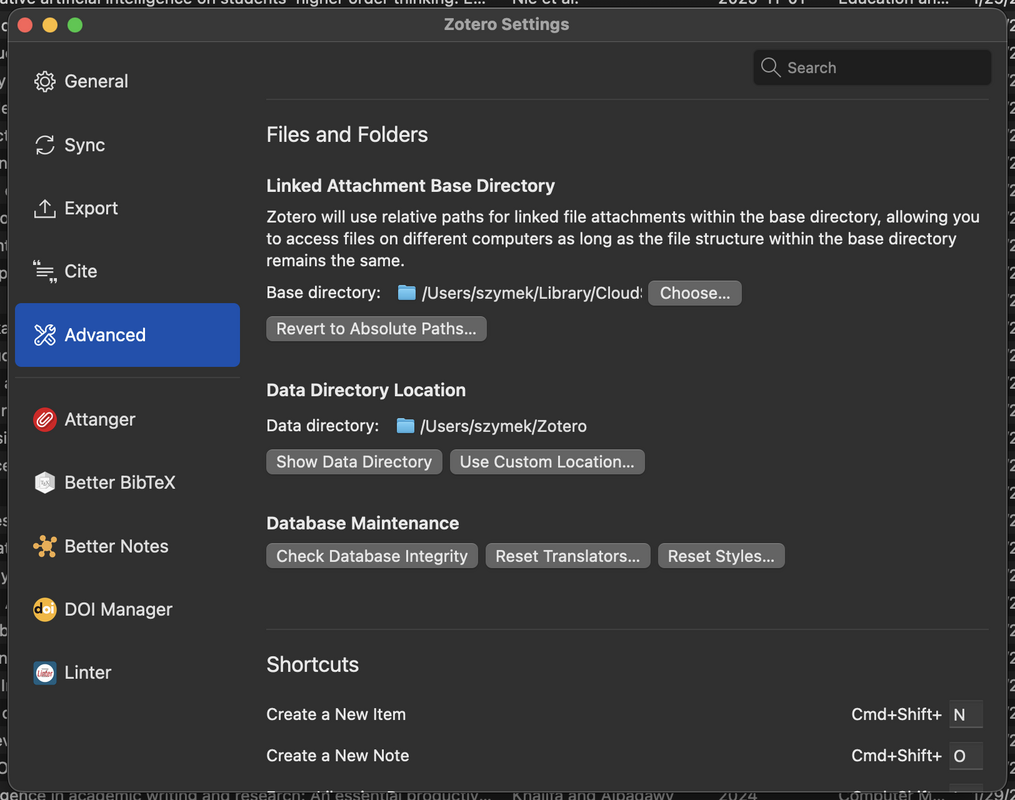
- Zotero’s Advanced settings -> Base Directory: this should be your cloud (e.g., Dropbox) folder where the PDFs live
- Zotero’s Advanced settings -> Zotero’s Data directory: can be left default, it’s just some internal Zotero data
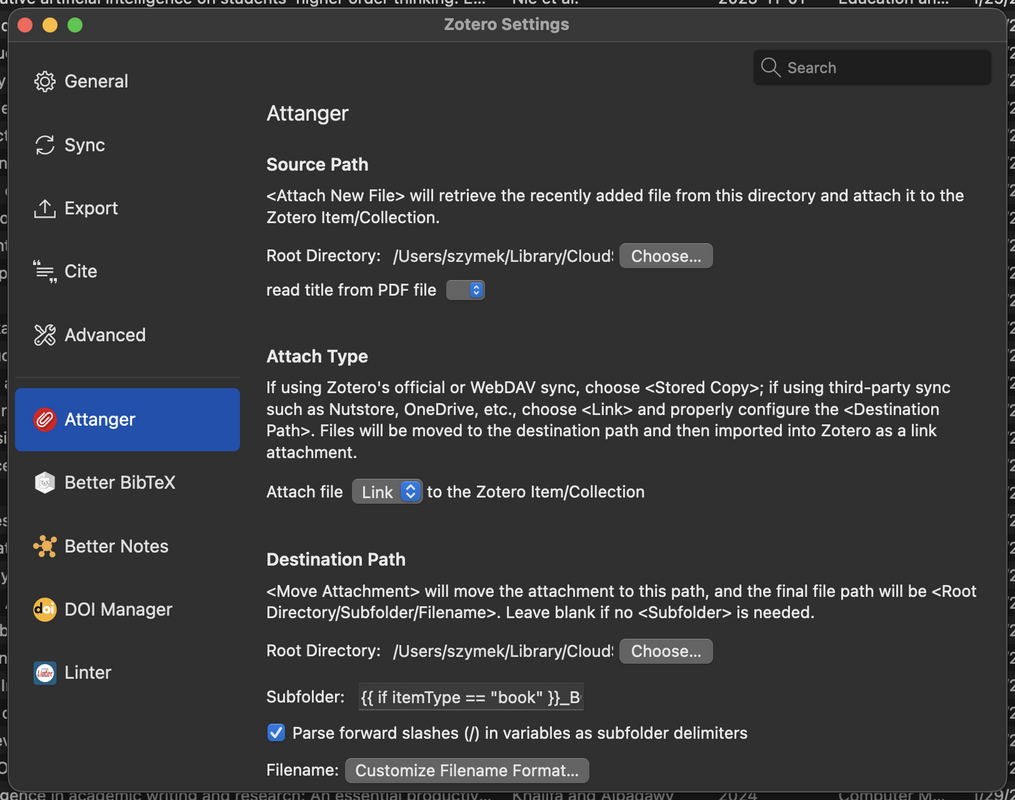
- Attanger’s (see below) settings -> Destination Path root directory: should be the same as Zotero’s Base Directory
Attanger: automatic naming and folder structure
1-s2.0-S0169534719301234-main.pdfNakagawa_2021_MetaAnalysisOfVariance.pdfDrobniak_et_al_2022_EvolutionaryDynamicsOfVariance.pdf
Papers/Journal1/2024/
Papers/Journal1/2023/
Papers/Journal2/2022/
Papers/Journal1/2023/
Papers/Journal2/2022/
Statistics
Books/Statistics/
- papers are chronological;
- books are thematic;
- everything is automatic.

DOI Manager
https://github.com/bwiernik/zotero-shortdoi
- finds missing DOIs;
- validates existing ones;
- corrects errors.
Browser integrators: removing problems at the source
- metadata is imported directly;
- the PDF is downloaded automatically, and into the chosen collection subfolder (e.g., thematic).
Zotero Linter: continuous metadata hygiene
- inconsistent capitalization of journal names;
- author names in all caps;
- stray spaces and punctuation;
- malformed dates.
nature communicationsNature CommunicationsSMITH, J.Smith, J.2022-00-002022
Zoplicate: controlling duplicates before they spread
- PDFs;
- notes;
- annotations.
Annotations and multi-device work
- annotate on your laptop;
- open the same PDF on a tablet;
- continue reading elsewhere.
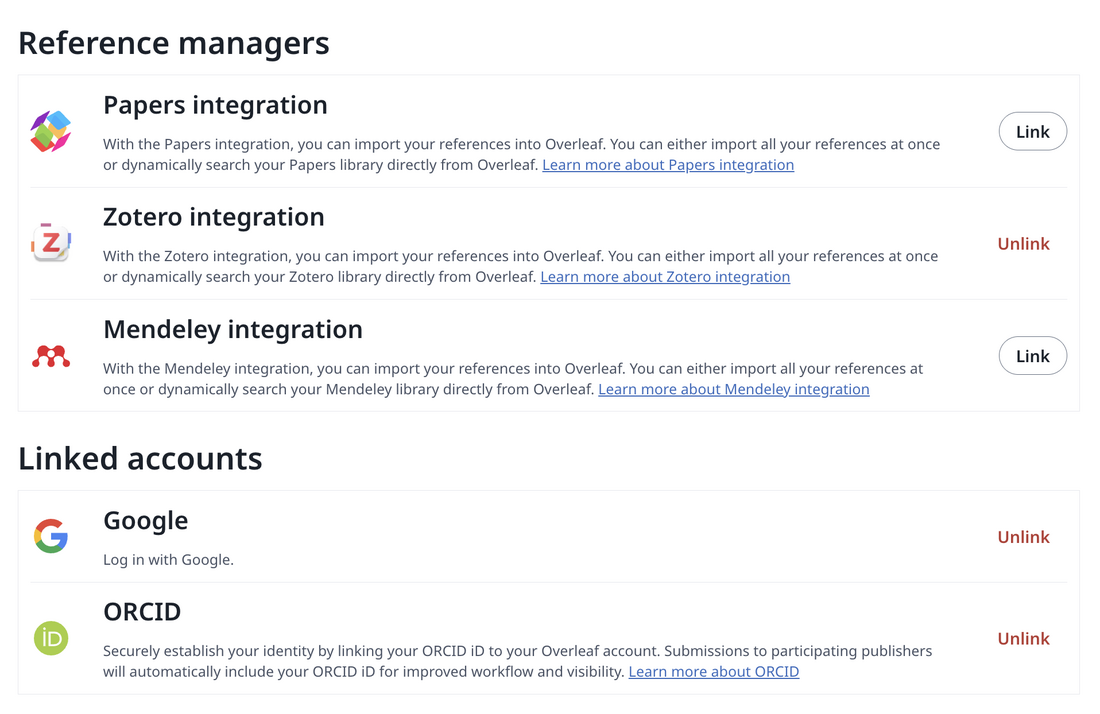
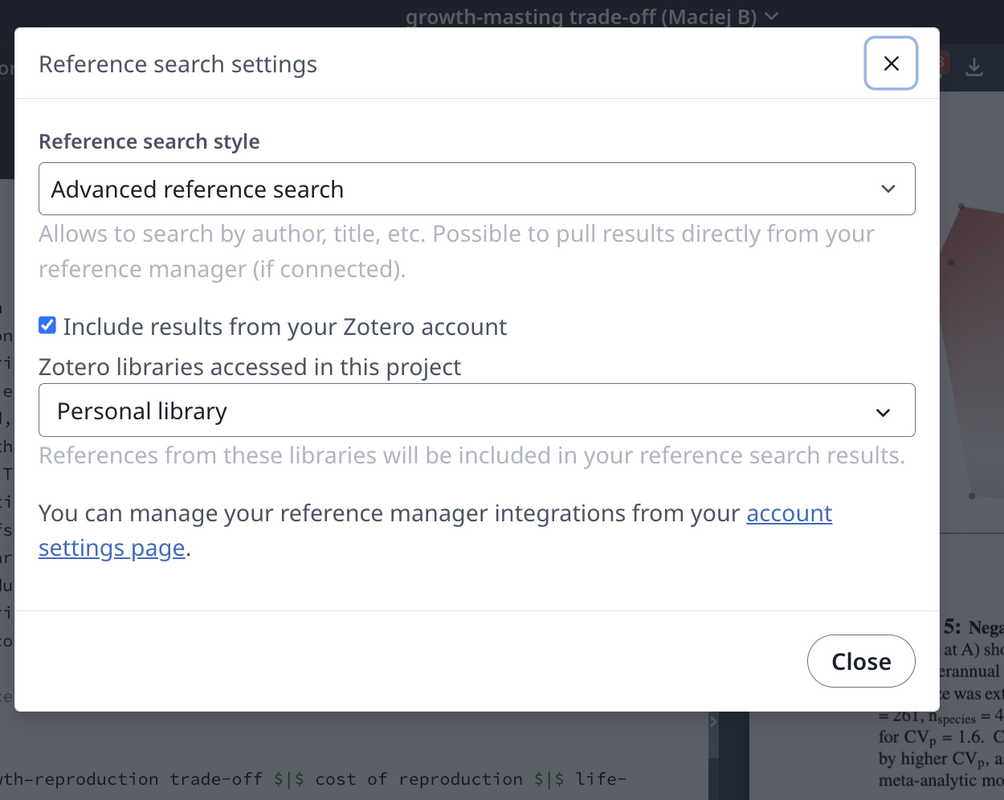
Synchronised referencing
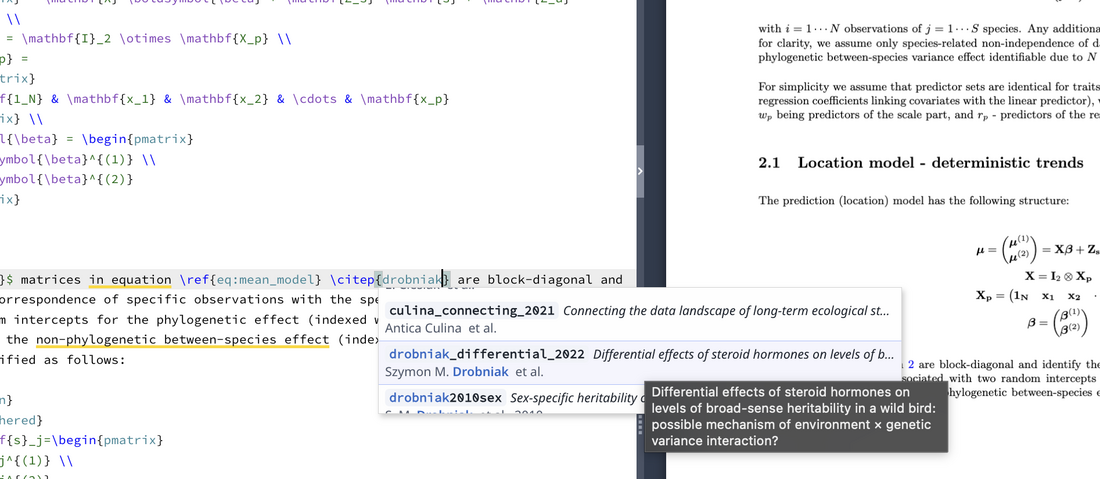
\cite\citep
Useful context